
How-to
Using AI to Write Captions, Hooks and Hashtags for Short Clips Cut From a Livestream
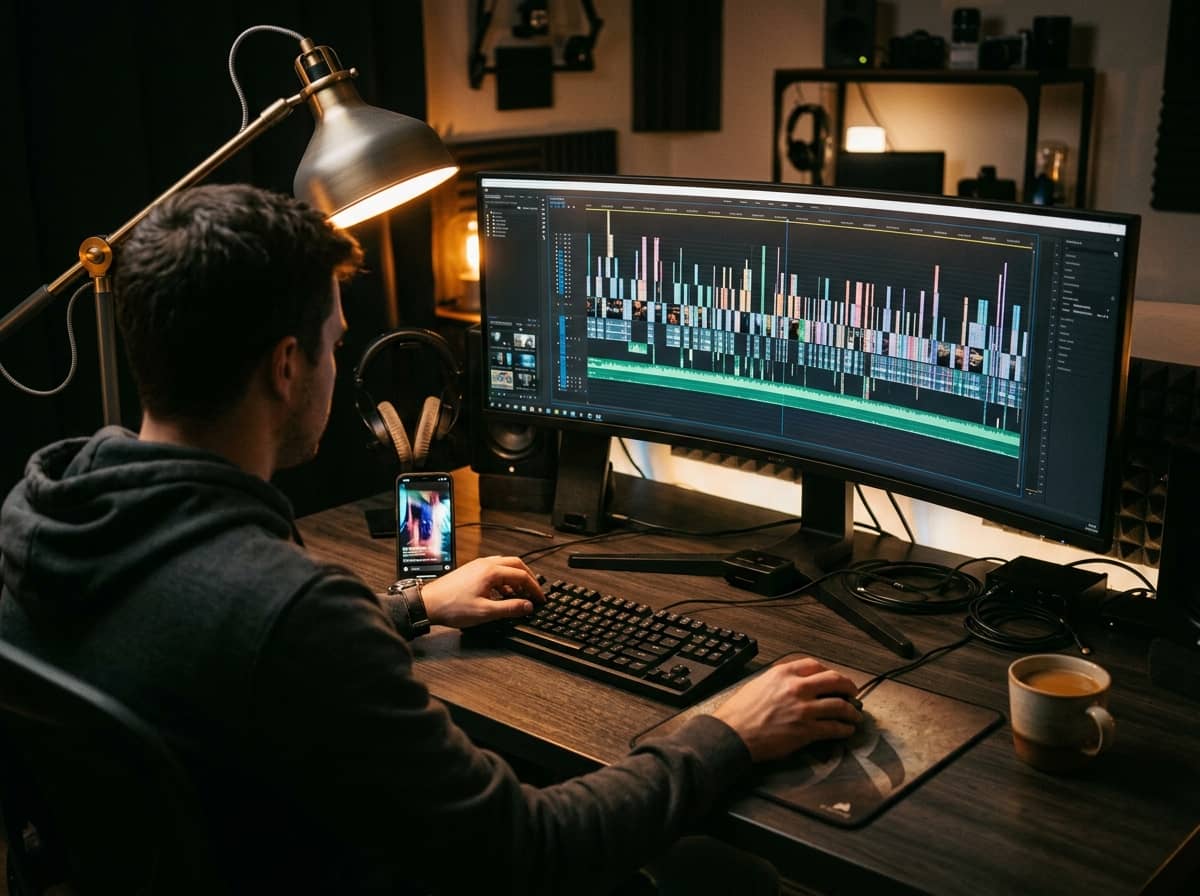
A two-hour livestream can yield five to ten short clips worth posting. The catch: after the live you're tired, and coming up with an opening line, a caption and hashtags for each clip can take as long as cutting it. AI is genuinely useful here, as long as you feed it the right material and know which decisions stay with you.
Start from the transcript, not from memory
AI can't watch your stream, so it needs text. Grab the auto-captions or a transcript of the clip, fix recognition errors (product names are usually the worst offenders), and paste it in. Use only the relevant 30 to 90 seconds per clip. Pasting the whole live makes the output vague.
Hooks: the first three seconds matter a lot
A hook is the line or visual that makes someone stop scrolling. Ask AI for several options in different styles: a question, a surprising fact, a direct benefit, or a funny moment from the live. Then pick the one that sounds most like you. One rule: the hook must match the clip. A dramatic hook the clip doesn't deliver on loses viewers, and may break a platform's rules on misleading content.
Here is a 45-second transcript from my livestream (niche: skincare, friendly tone, lightly funny):
[paste transcript]

Suggest 6 hooks under 12 words, split into 3 styles: question, surprising fact, direct benefit. Use only information from the transcript. Make no medical claims.
Captions: short, clear, one per platform
The same clip needs different captions on TikTok, Facebook Reels and YouTube Shorts in length and tone. Tell the AI the target platform and your character limit. Ask for one natural engagement prompt, such as asking viewers' opinions, instead of a hard sell on every single clip.
From the transcript above, write captions for 3 platforms:
1) TikTok: max 100 characters, 1 emoji.
2) Facebook Reels: 2-3 sentences ending with a question.
3) YouTube Shorts: title under 60 characters + 1 description sentence.
Keep it natural, like a real person talking. If a product detail is unclear, write [needs checking] instead of guessing.
Hashtags: fewer, and relevant
Don't ask for a hundred. Ask for five to seven: a couple of broad topic tags, a few niche ones, and one branded tag for your channel. When the list comes back, check each tag in the platform's own search: is it used the way you think, and is any of it restricted or misleading?
A lean workflow per clip
The goal isn't perfect copy, it's a fast first draft you can edit in a minute or two. Batch the work: cut all your clips first, then generate hooks for all of them in one session, then captions. Switching between tasks less often keeps you in the same mindset and saves real time.
- Cut the clip and pull the captions, fixing product-name errors.
- Paste the transcript plus a short channel description and ask for 6 hooks.
- Choose one and rewrite it in your own voice.
- Ask for platform-specific captions, then trim the filler.
- Request 5-7 hashtags and verify them by hand.
- Final read: do prices, offers and claims match reality?
Keep a short note of what worked: which hook styles got people to watch longer on your own channel. Paste that note into future prompts so the suggestions drift toward your audience's taste rather than generic advice.
Common mistakes
- Posting AI text verbatim, so every caption sounds alike and your personality disappears.
- Letting AI add numbers, promises or comparisons you haven't verified.
- Using one caption everywhere.
- Skipping each platform's ad and sponsored-content rules. They change, so read the latest version before posting.