
AI tools
AI Subtitles and Translation for Livestreams: Making Multilingual Short Clips Without Losing the Meaning
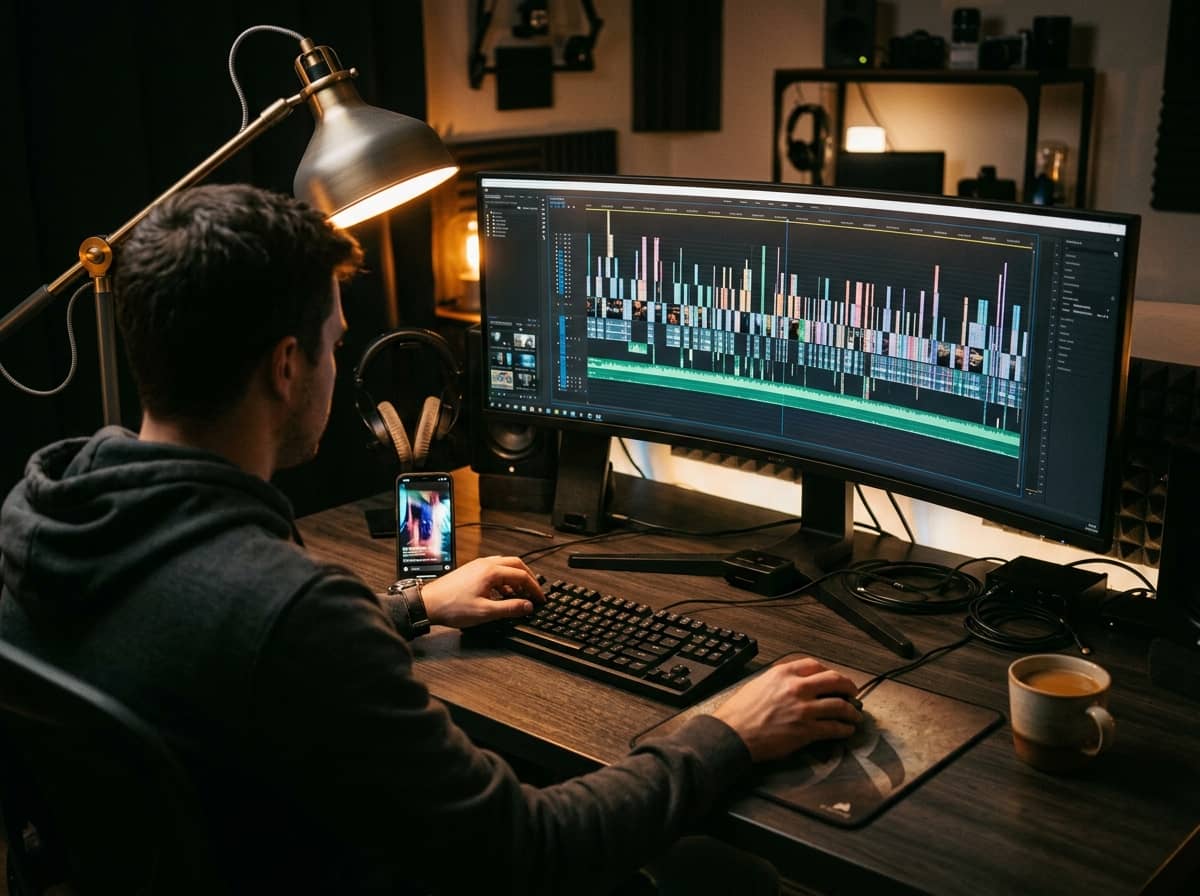
A two-hour livestream holds plenty of moments worth sharing, yet most people out there never see them. Subtitles and translations help your clips reach viewers who watch on mute, people who are hard of hearing, and audiences who speak another language. AI does this heavy lifting much faster than typing by hand, but it also fails in ways that are easy to miss.
What AI can help with
- Turning speech into text with timestamps, giving you a draft of the subtitles.
- Translating those subtitles to make clip versions for a new market.
- Summarising the live to find segments worth cutting, then suggesting titles and descriptions in each language.
- Splitting long sentences into short lines that read well on a phone screen.
A suggested workflow from live to multilingual clip
- Record your live with clean audio: microphone close to your mouth, little echo. Audio quality largely decides how accurate the transcript is.
- Run speech-to-text to get a transcript with timing.
- Read and fix the original language first. Translating from a flawed source doubles the errors.
- Pick short segments with a clear start and end, one idea each.
- Translate the subtitles with AI, then ask someone who knows the target language to review them if you can.
- Export the clip, check every line of text on a real screen, and only then publish.
Where AI tends to go wrong
Proper names are the most common failure. Your name, a guest's name, a brand or a product can be misheard as similar-sounding words. Industry jargon, abbreviations and ingredient names suffer the same fate. Vietnamese adds its own difficulties, with tone marks, regional accents and English words mixed into sentences, so a transcript can sound right and still mean something else.
The second problem is tone. A joke, a casual phrase or a sales line can turn into something too formal or just strange. Worse is when a translation changes a commitment, such as a price, a benefit or a return condition. For products, a single wrong word can mislead your audience or break advertising rules.
Always have a human check before posting
- Re-check every name, number, unit and product term.
- Read the translation aloud to see whether the rhythm and tone still sound like you.
- For languages you can't read, ask a native speaker or knowledgeable friend to look it over, especially for promotional clips.
- Keep your own glossary of names and terms that must stay unchanged, and reuse it each time.
- Make sure captions don't cover faces, buttons or important information in the frame.
Platform policies and your viewers
Each platform has its own rules about captions, translated content, music rights and how AI-assisted content should be labelled. Check each platform's latest policy before publishing, since these terms change over time. If you use someone else's voice or image, get clear permission first.